
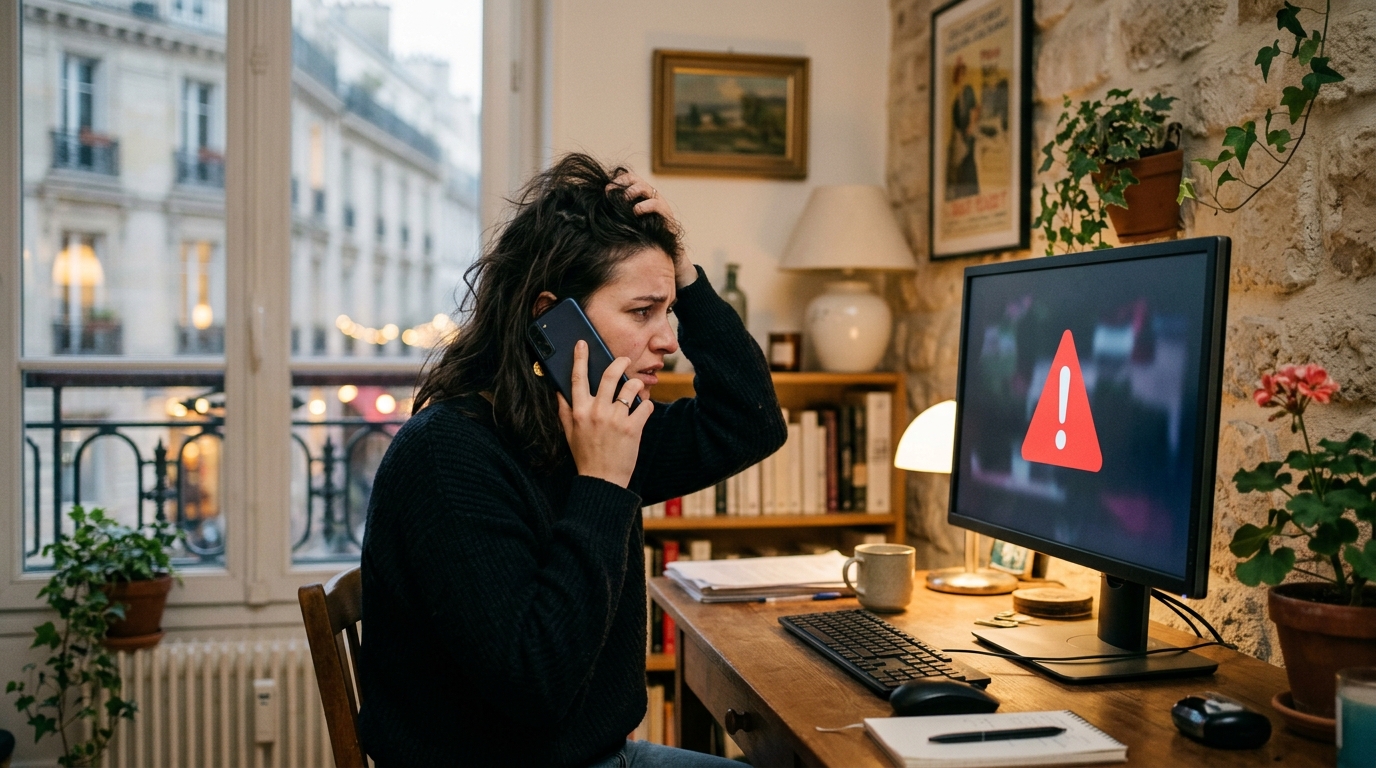
A frozen screen, a flashing red alert, and that phone number displayed prominently at the center of the warning: this is exactly what I saw on my computer one afternoon when I only planned to check my emails. In a matter of seconds, panic overtook reason, and I dialed that infamous number without a second thought. What I didn’t yet know was that this choice would cost me €300 and would teach me, at my own expense, how these increasingly sophisticated cyber scams actually work.
A Locked Screen, a Displayed Number, and a Reflex That Cost Me €300
It all began in a decidedly ordinary way. While browsing a perfectly mundane site, a window suddenly opened, covering the entire screen. It was impossible to close, even to move the cursor normally. The message, written in uppercase letters and accompanied by a logo that bore a striking resemblance to Microsoft, claimed that my computer had detected critical viral activity and that my personal data was in immediate danger. A phone number appeared just beneath, presented as the only solution to avert the worst.
Under the pressure of the moment, I called without hesitation. A professional-sounding voice, with a neutral accent and a well-honed technical vocabulary, explained that a certified technician would need to intervene remotely to clean my system. I was asked to install a remote-control software and, gradually, I was convinced to pay for a diagnostic service billed at €300. It wasn’t until after hanging up, a bit clearer in my mind, that a detail caught my attention and reframed the entire story.
How a Simple Pop-up Turns Your PC into a Trap
This kind of scam relies on a highly effective mechanism commonly known as scareware, literally “the software that frightens you.” It usually takes only a visit to a compromised site, a click on a trap-laden ad, or even the download of a dubious file to trigger the appearance of this fake alert. The pop-up is designed to fill the entire screen and to make closing the window unusually difficult, creating a sense of urgency and powerlessness in the victim.
The scammers depend on a simple yet formidable psychological trigger: the fear of losing photos, documents, or, worse, bank data. The message perfectly mimics the visual language of major tech companies, using logos, colors, and a layout that seem official at first glance. Once the victim is on the phone, the fake technician uses a legitimate remote-access tool—just like those used by real support services—to produce a convincing veneer of credibility while he actually gains access to the entire machine.
The Detail Microsoft Never Reveals on the Phone
Trying to understand what had just happened led me to a revelation that should have changed everything from the start: Microsoft never displays a phone number in a security alert. No legitimate notification from the company, whether it comes from Windows Defender or another built-in tool, ever asks you to contact a service by phone via a pop-up window. Real security alerts always redirect you to the device’s internal settings or to the official site, never to a number shown on the screen.
This seemingly small detail is actually the scam’s signature. Serious tech companies simply do not operate this way: they never prompt urgent phone contact through an alarming pop-up. Once you grasp this, everything becomes obvious. The dramatic language, the time pressure, the impossibility of closing the window normally: every element of the scenario was crafted to induce panic sufficient to short-circuit reasoning.
The Habits That Could Have Stopped This Scam
In hindsight, several simple steps could have spared me this costly misadventure. First, force-quit the browser through the task manager rather than frantically hunting for a close button. Then reboot the computer, an action that typically clears this type of false alert, since it’s usually just a malicious webpage rather than an actual virus installed on the machine.
- Never call a number displayed in an on-screen alert
- Always verify the alert’s origin through the system’s official settings
- Never install remote-access software at the request of an unknown person
- Immediately contact your bank if a payment seems suspicious to block it
- Report the scam to official cybercrime-fighting platforms
Finally, remember this simple universal rule: no reputable tech company will demand urgent payment over the phone to fix a cybersecurity issue. This vigilance, as basic as it may seem, remains the best defense against scams that grow more sophisticated each year, skillfully exploiting technical ignorance and haste.
This experience, as unpleasant financially as it was, at least helped me understand how these scams hinge on details we often overlook when pressed by urgency. As our computers and smartphones house an ever larger share of our personal and professional lives, a single verification reflex can make all the difference. And you, would you be able to recognize a fake security message before it’s too late?
👉 A small gesture for Space Group? Follow us on Google, bookmark us, and find us on Google News so you don’t miss any discoveries.