
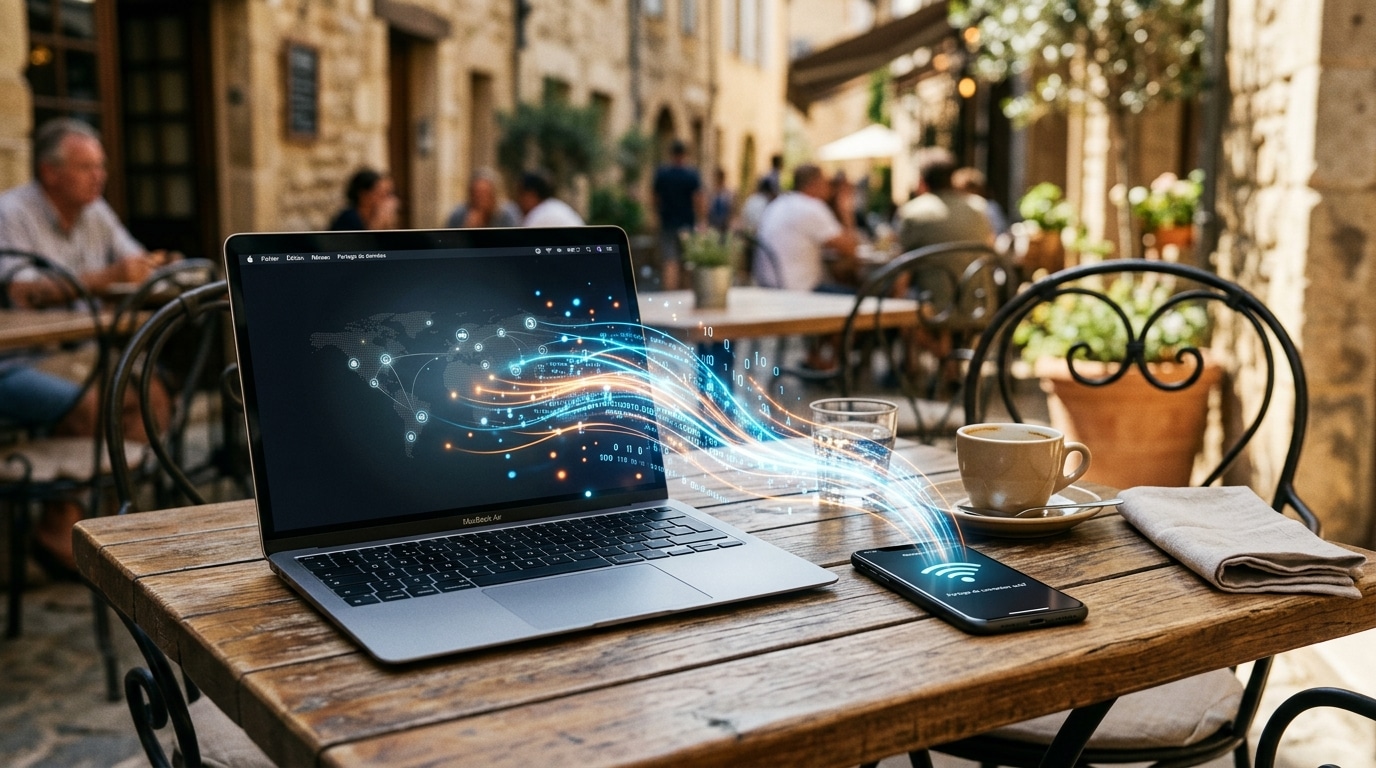
People often imagine that enabling tethering is like handing a power strip to a neighbor: you loan a bit of network, the other person uses it to check their email, and everyone heads back to their own devices without any consequences. The reality is much subtler. When you turn your smartphone into a mobile hotspot, you’re not merely sharing a slice of Internet: you’re creating a real little local network, with its rules, its doors, and sometimes its vulnerabilities. In the height of summer, when vacations multiply moments where you share your 4G to help a friend at a campsite or to plug a computer into a highway rest area, this nuance deserves attention. Because the device you connect to often sees much more than the simple webpage displayed on its screen.
What Your Phone Really Opens Up When You Share Your Connection
When you enable tethering, your phone stops being a mere subscriber to the mobile network and becomes a mini router. Practically speaking, it assigns an address to every device that connects to it, whether it’s a laptop, a tablet, or a gaming console. These devices are then no longer strangers: they belong to the same small network, a bit like guests gathered in a single room rather than in separate rooms.
And that’s where the refrain about the power strip falls short. Your data travels through radio waves, i.e., through the air, which makes it potentially interceptable if nothing protects it. A poorly locked access point, or one protected by a password that’s too weak, is like leaving the door to that room ajar. Anyone within range can slip in, enjoy your connection, and above all observe what’s going on there.
The Local Sharing Option: The Small Setting That Changes Everything
Here lies the heart of the issue, often overlooked. On many devices, the hotspot mode can be activated with a local sharing option. This discreet setting doesn’t simply authorize Internet access: it allows connected clients to reach the network itself and, by extension, the other devices wired into it. In other words, it’s no longer just a cord to the web, but an open door to your digital ecosystem.
The difference is crucial. Without this option, each plugged-in device stays in its own space, browsing without seeing its neighbors. With it, a connected guest can scan the network, locate your computer, your tablet, and discover which services are active there. If file sharing is enabled on one of these machines, those open folders become a direct entry point, crossed the moment the device connects to the network. The little switch one flips absentmindedly then turns a simple repair into a real exposure.
When a Guest on Your Hotspot Becomes a Nosy Neighbor
Once on the network, a malicious user doesn’t have to push hard at all. They can monitor and intercept sensitive data that flows there, observe exchanges, and pinpoint vulnerable devices. It’s worth noting that a Wi‑Fi system is inherently chatty: even without active browsing, it keeps emitting information about what surrounds it, like a lighthouse sweeping the horizon at all times.
It is no accident that, in Windows, the Public network mode exists precisely to prevent your machine from being visible to nearby devices. It acts like a drawn curtain: your computer continues to browse, but stops presenting itself to the neighbors. And let’s not forget the legal dimension, often underestimated: by sharing your connection, the law treats you as an Internet Service Provider. You thus become responsible for illegal uses carried out via your network, which gives another reason to keep control over who connects to it.
Take Back Control Before Reconnecting Anyone
The good news is that a few simple habits are enough to close most of these doors. Before helping a friend this summer, take the time to check these essential points.
- Choose a strong password of at least twelve characters, mixing letters, numbers and symbols.
- Prefer the WPA3 encryption standard, more resistant to password-guessing attempts than its WPA and WPA2 predecessors.
- Disable the file sharing on connected devices to close the open folders.
- Use a VPN, which acts as an opaque tunnel protecting your exchanges.
- Keep all connected devices up to date to fix known vulnerabilities.
And above all, take a look at this famous Local Sharing option in your hotspot settings. Turning it off is like partitioning your devices, each finding its own separate room rather than a common space open to all.
The tethering feature remains an incredibly handy tool, but it is far from neutral. Behind the simple gesture of lending a bit of network lies the creation of a shared space where your devices can, without you realizing it, reveal themselves to one another. Next time someone asks you to help them out, perhaps you’ll ask yourself a simple question: is it really the web I’m sharing, or the key to my entire little digital universe?